
How can you select part of a string excluding some characters?
For example, if I wanted to select only "yes" from the word "massimo", how can I do that? This is what I asked myself today when I came across this problem during one of the activities working.
I did this a browse through the selection strings of the QGIS selector and I found the one I was looking for!
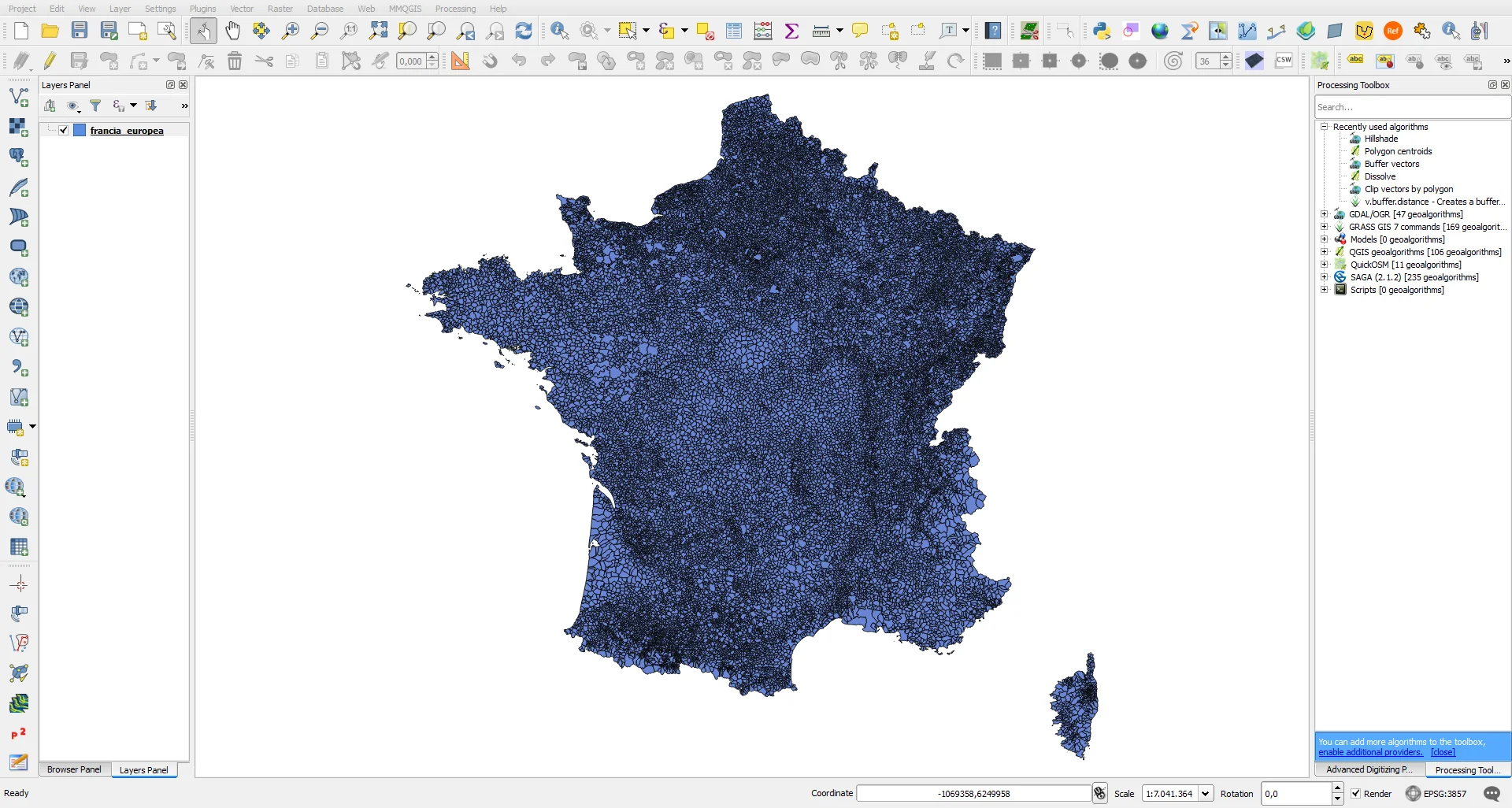
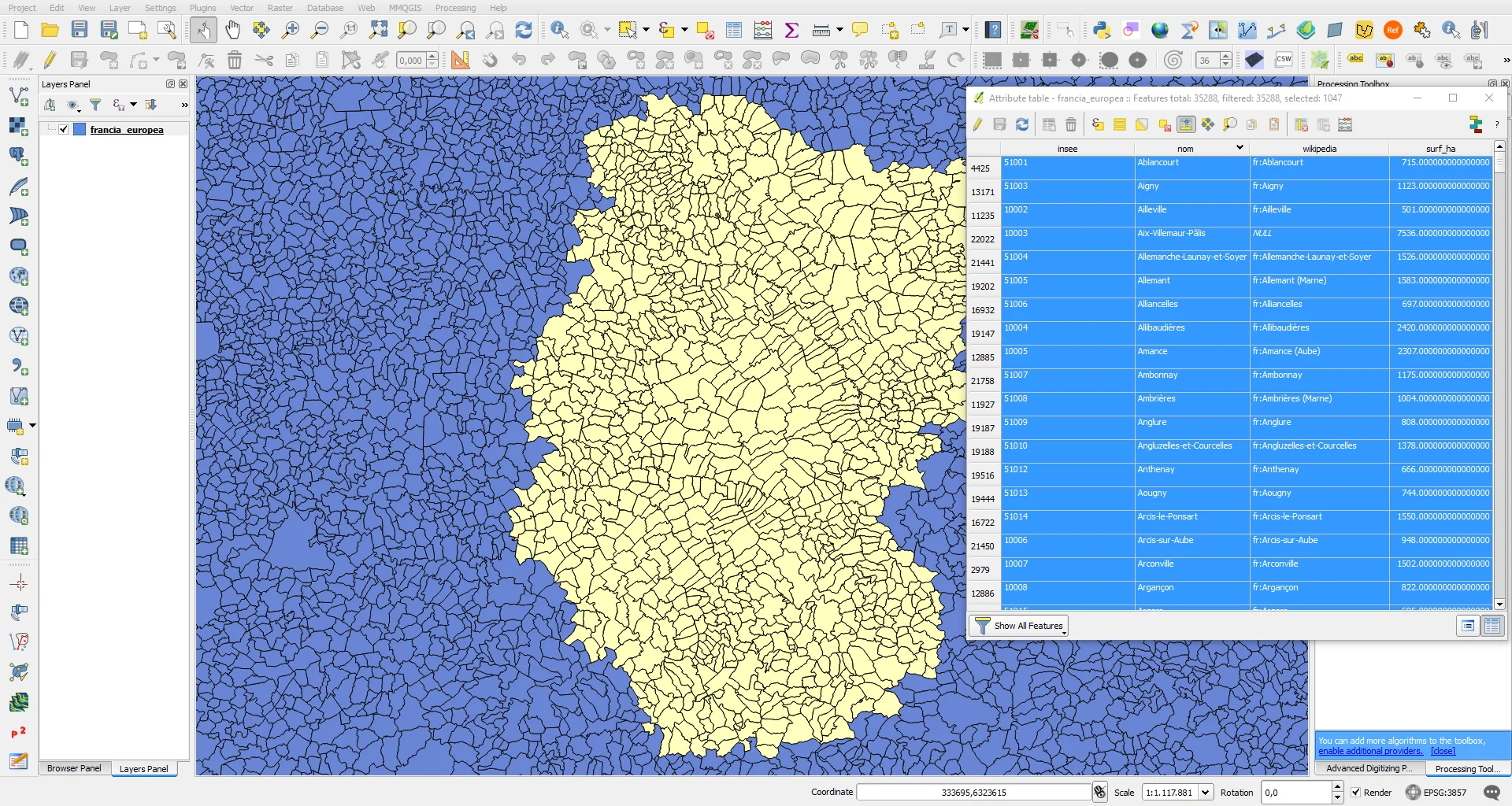
The starting data, in this case, is the polygonal vector of European France.
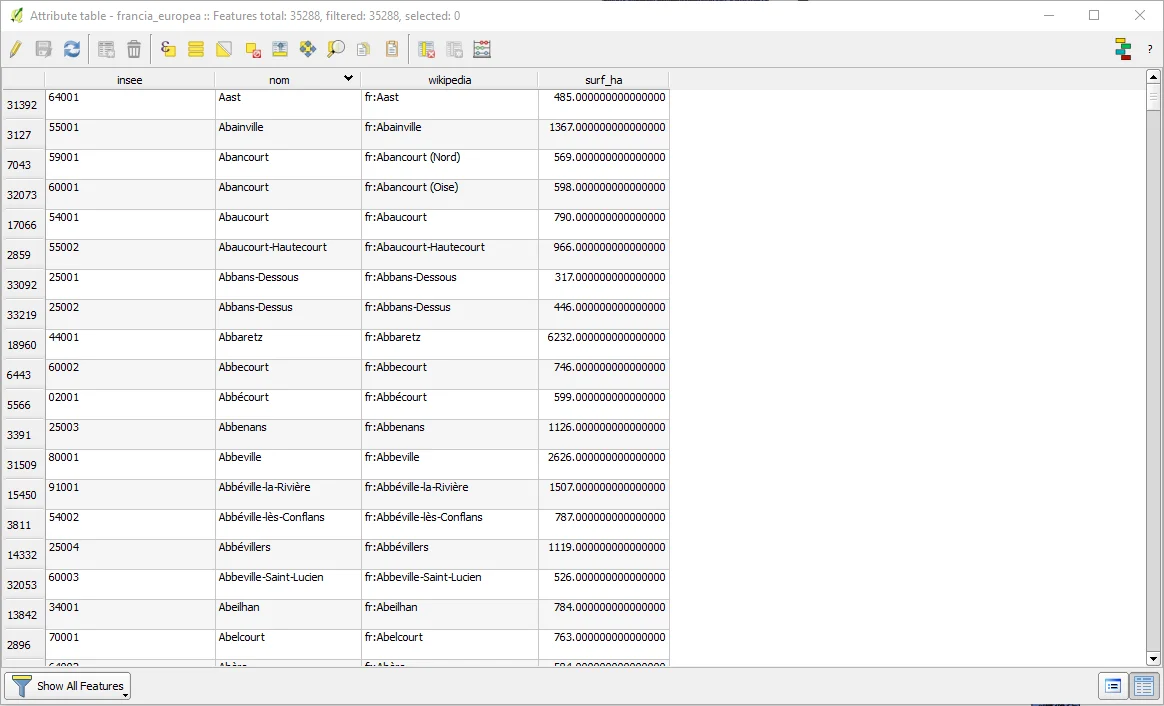
From the following table I am interested in selecting in the "insee" column only those polygons whose code begins with 51 and 10.
I activated the selector via expression and searching among the expressions in the "String" section I found what I was looking for.
The query to achieve the purpose is the following:
substr( "insee" , 1,2) is 51 or substr( "insee" , 1,2) is 10
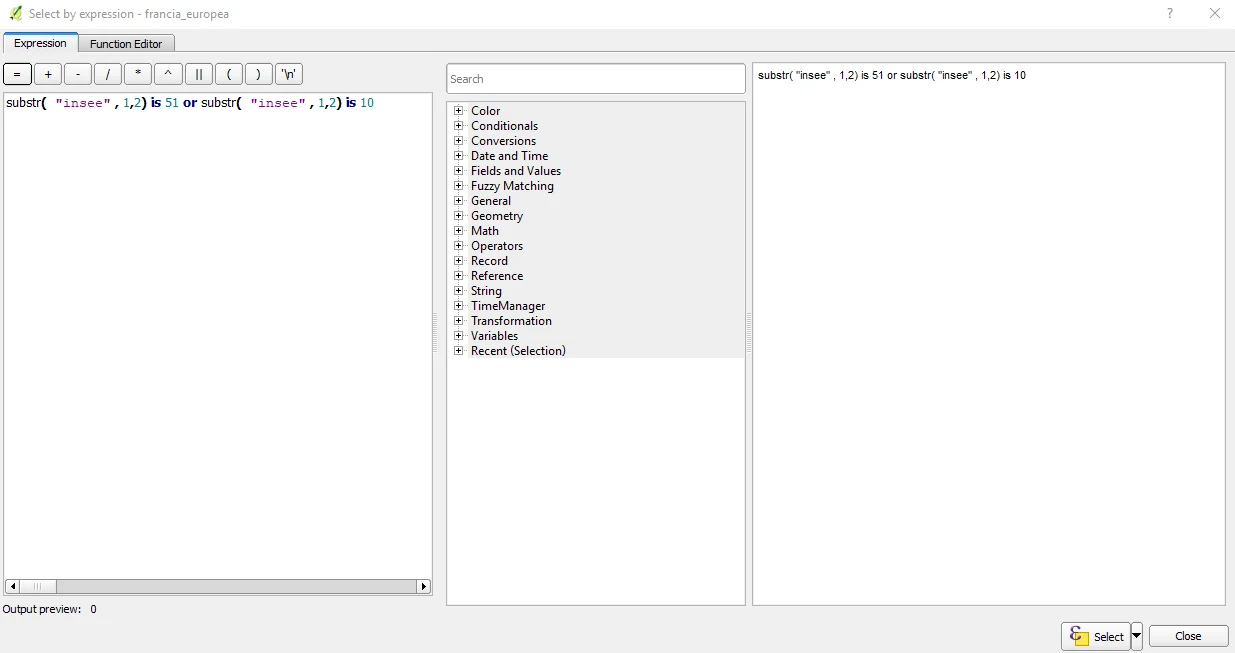
where:
- substr is the selection operator;
- insee is the field in which the operator must search;
- the numbers 1 and 2 correspond to the search range, in this case the search must be done only in the first two positions of each string;
- the numbers 51 and 10 are the objectives of the research.
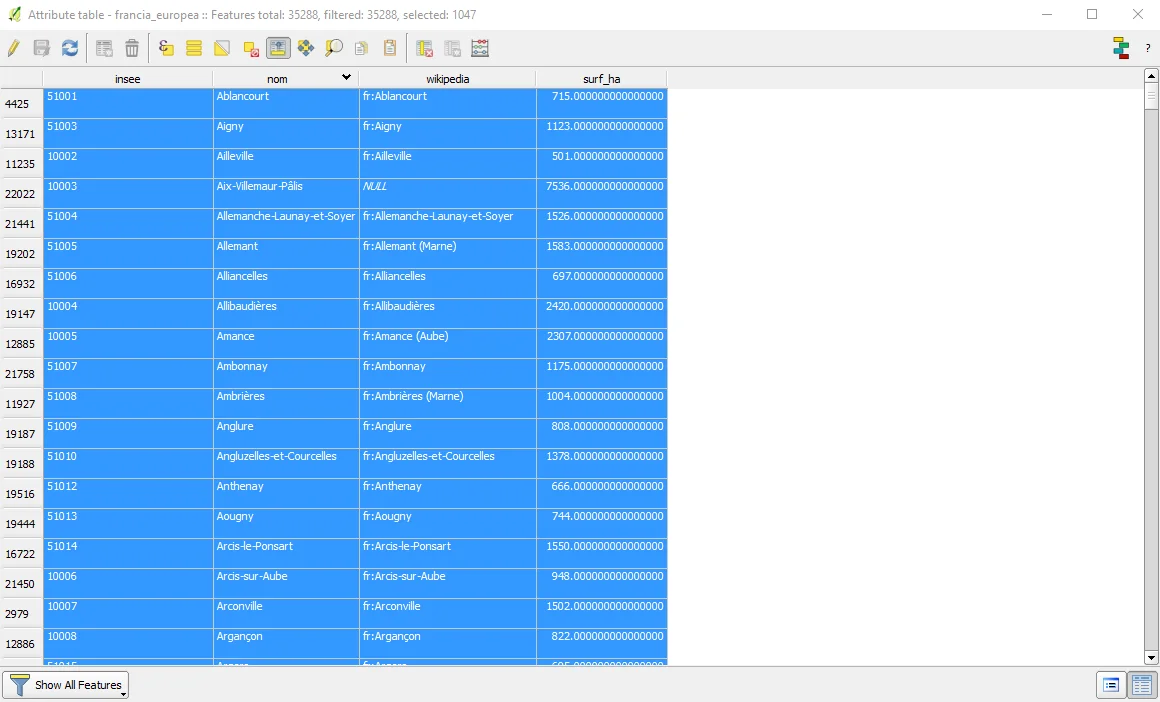
In the previous image there is the result of the selection, in the next image there is zoom to the selected area.
In-depth analysis
As many will know, SQL queries are facilitated in GIS software. Behind the graphical interface of a "Query builder" or a "Select by expression" lies the basic SQL syntax, that select accustomed to using DBs, he knows it well.
Thanks to the indications of Salvatore Fiandaca, which you can find among the comments of this post, below is the complete SQL syntax applicable in any DB:
select * from france_europea

where

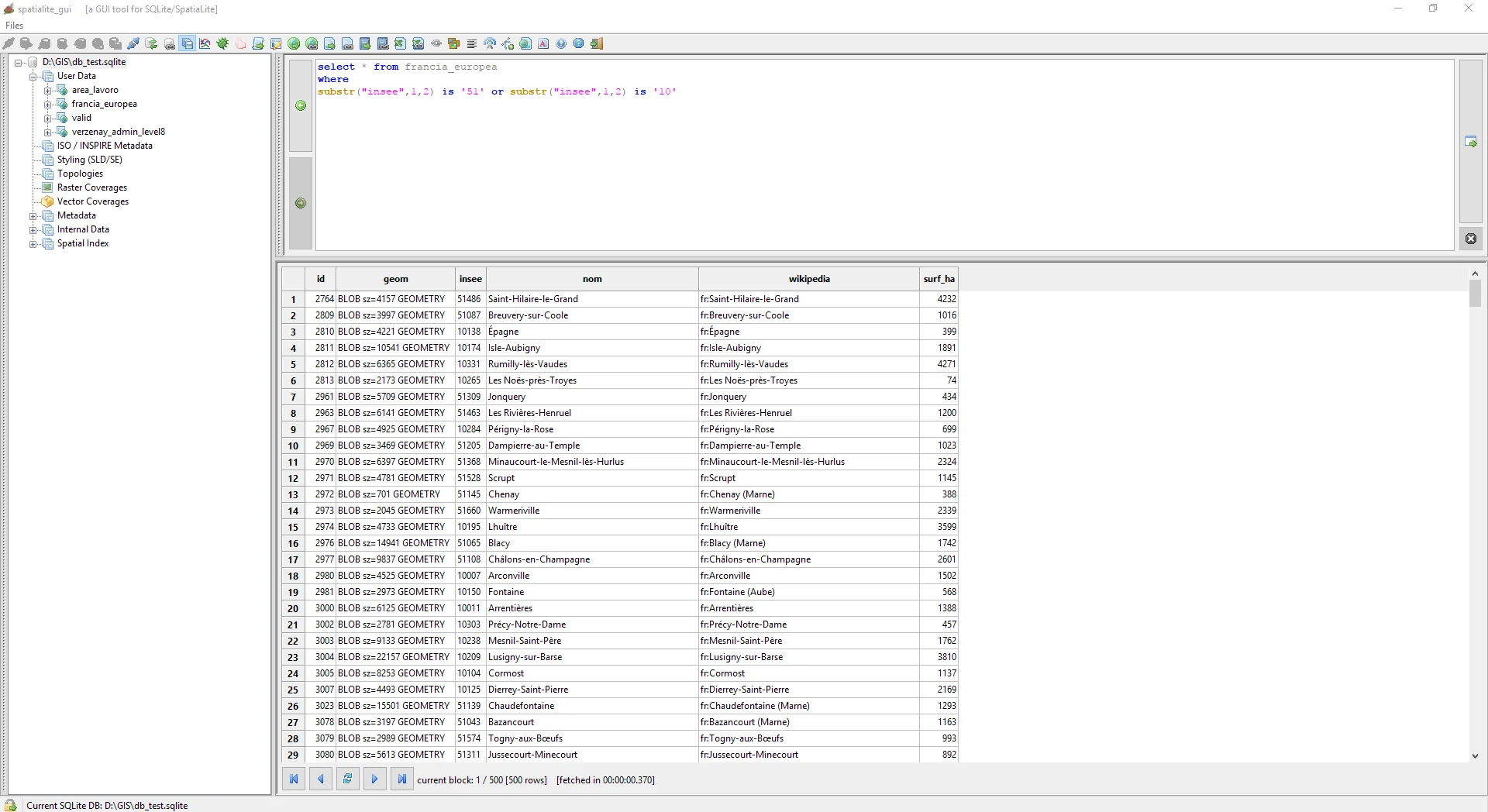
substr("insee",1,2) is '51' or substr("insee",1,2) is '10'
These three lines are like this define:
- the asterisk after select indicates that you want to select all the fields of the france_europea table;
- substr is the same command used in QGIS.
By translating the previous query you have told the PC to select(select) all the fields(*) of the france_european table(from) in which it is the substr(where).
condition is verifiedThe complete query executed in SpatiaLite, for example, returns only the selection of tabular records.
To create a table from the selection you need to prepend a string to what was written previously:
create table workspace as

select * from france_europea

where

substr("insee",1,2) is '51' or substr("insee",1,2) is '10'
This, however, it is not sufficient to also create the geometries, in fact once the work_area table has been created, a new query must be executed to obtain the geometries which can then be displayed in QGIS:
SELECT RecoverGeometryColumn('workspace', 'geom',3857, 'MULTIPOLYGON', 'XY')
I hope the article can be useful to someone other than me :)
Here is the video tutorial