
This is another umbrella question that I thought was right. came to mind, after the one about italian archaeological sites. The answer required some work on the raw data and since it is It's been a while since I wrote a tutorial for QGIS, I said to myself, because it's no?!
1. Basic data
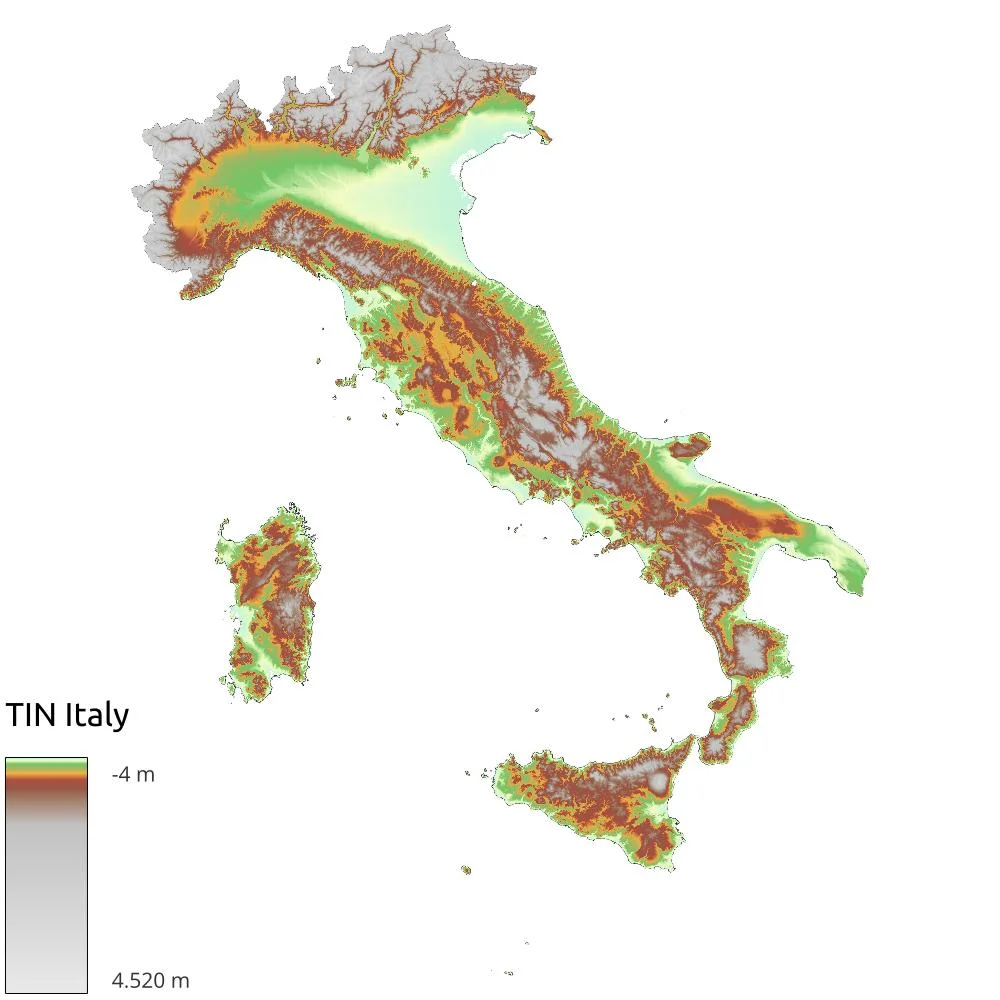
To perform the following analysis we need a DEM of Italy. I used the INGV TIN Italy v1.1 by taking the data using the WCS. The final raster weighs a whopping 51GB, so watch out for space on your PC! When using this data I realized that far from the Italian coasts the NoData were set to 0, so I had to clean those areas by running a clip with the polygon of the Italian territorial borders taken from ISTAT (I performed a dissolve on the vector of the Italian regions).
2. Exposure of the slopes
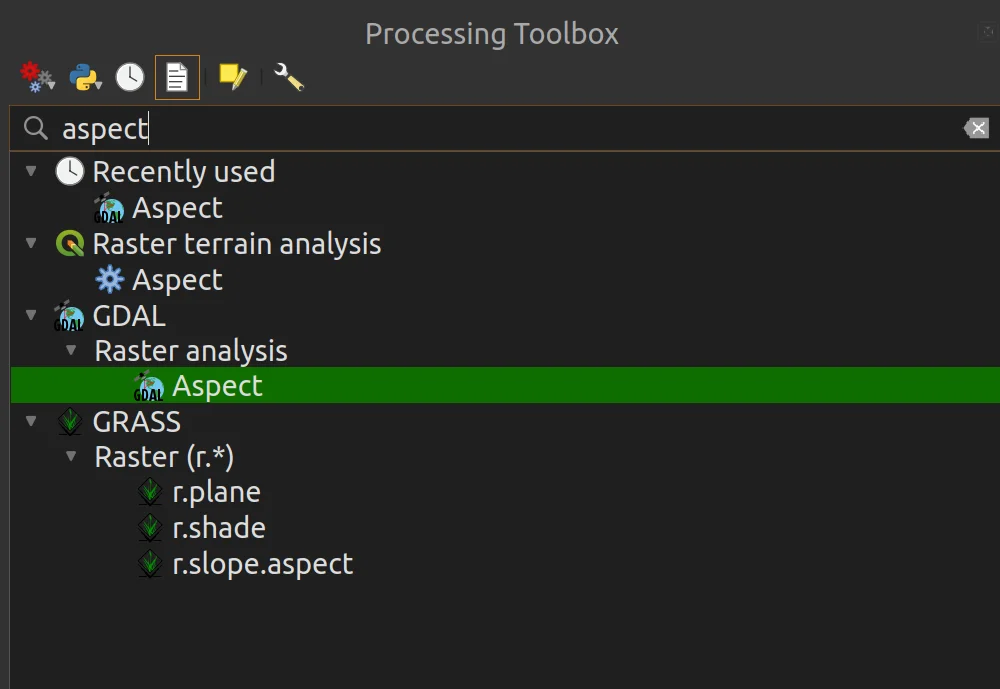
As a first step I used the geoalgorithm to calculate the exposure of the slopes (Aspect) as per the following images.

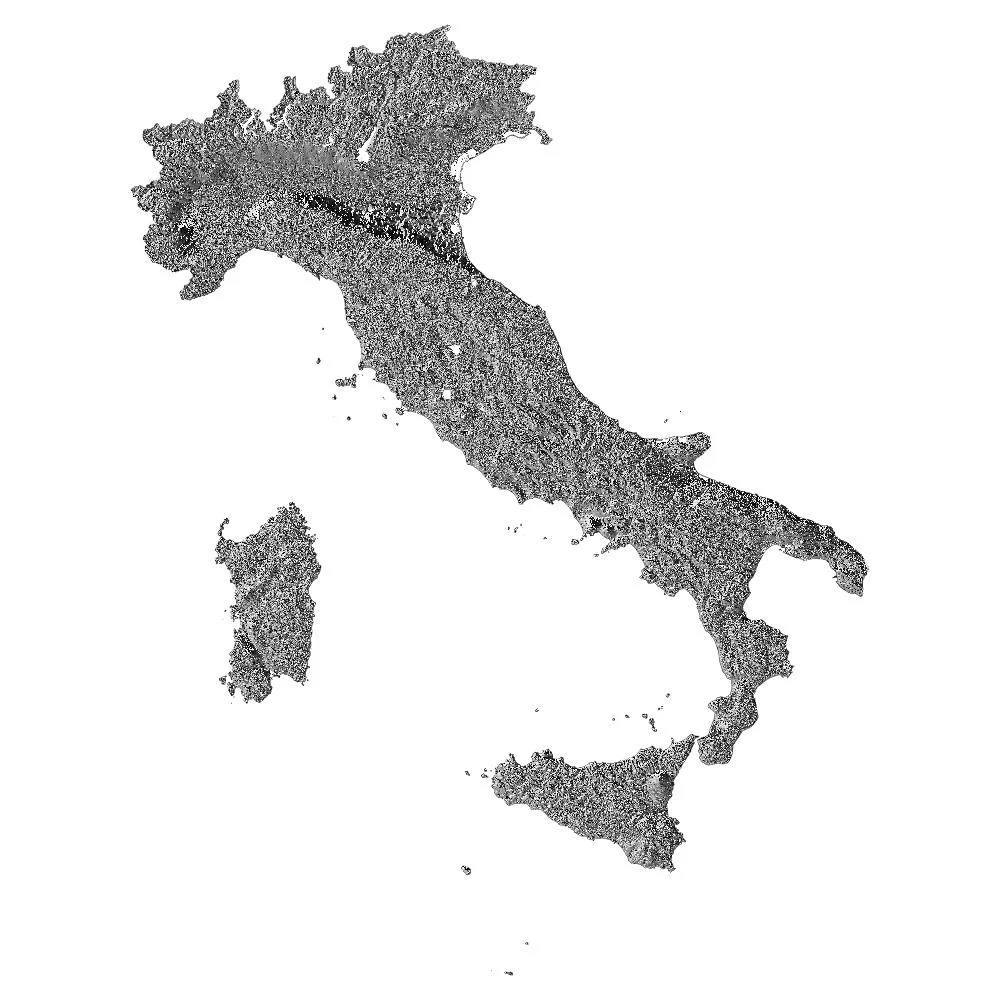
At the end of the processing the out a beast (following image) of as many 51GB.
I would like to point out that, given the size of the basic data I used, the analysis times for each of the steps we are going to look at were very long.
By checking the processing I noticed the presence of the triangles you see in the following image.
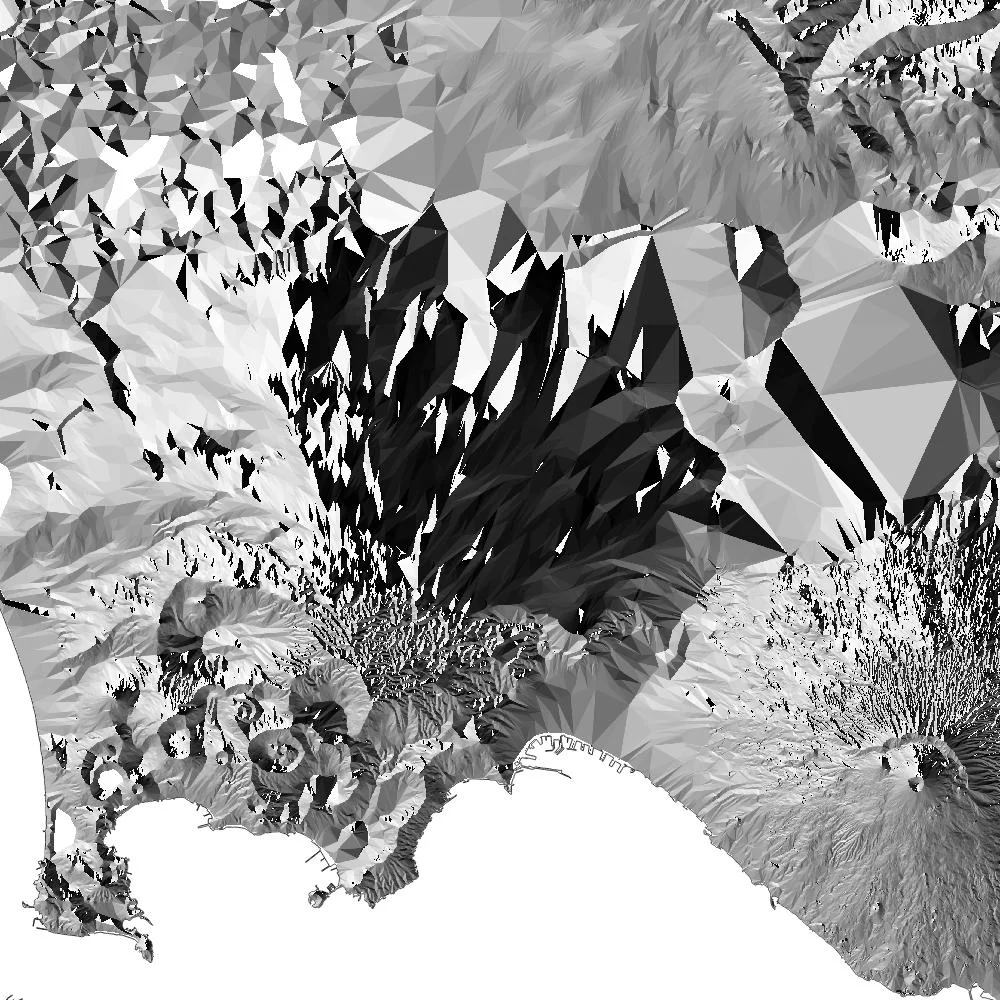
Mostly present on the plain near of urban areas, are the product of the removal of the latter because, as also reported on the dedicated INGV website, the data present in the raster refers to bare soil. The presence of these triangles, however, in my case, distorts the analysis, giving me exposures that in reality they don't exist.
To solve the problem I got creative and decided to use the slopes as a filter mask.
3. Slopes
The slope geolagorithm calculates the slope of a DEM, it is very simple to use.
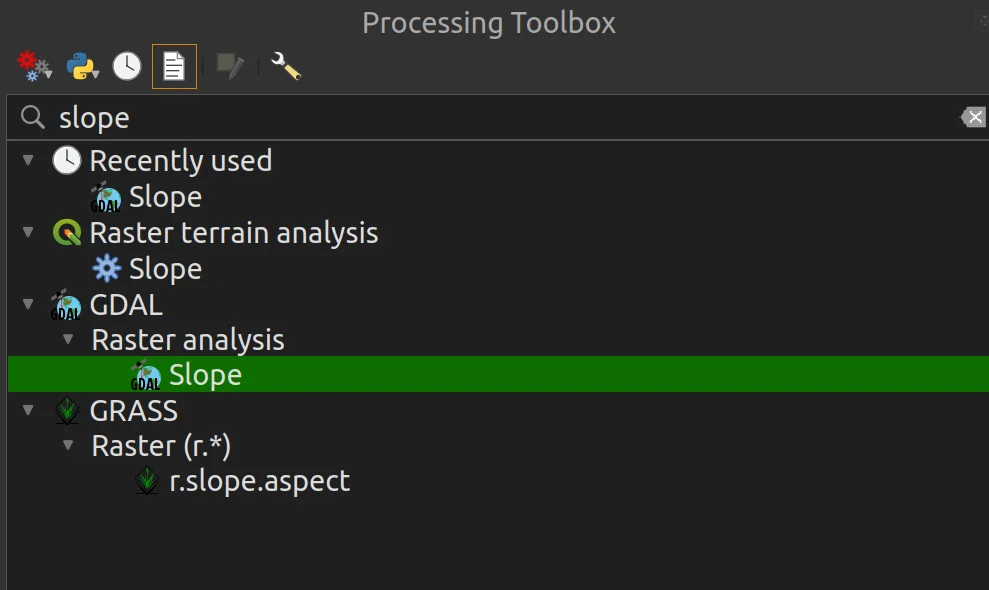
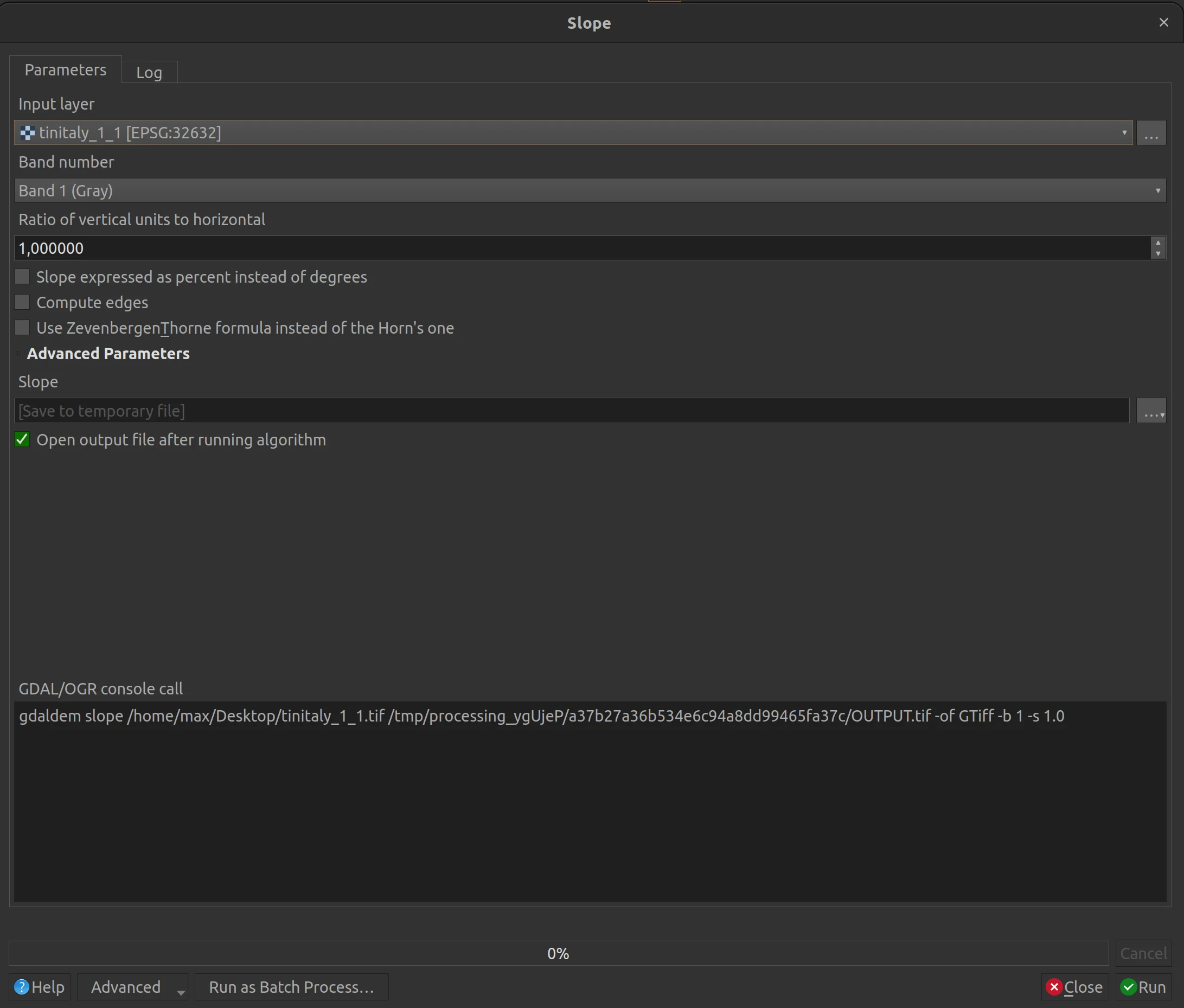
And at the end of the processing the result is the following.
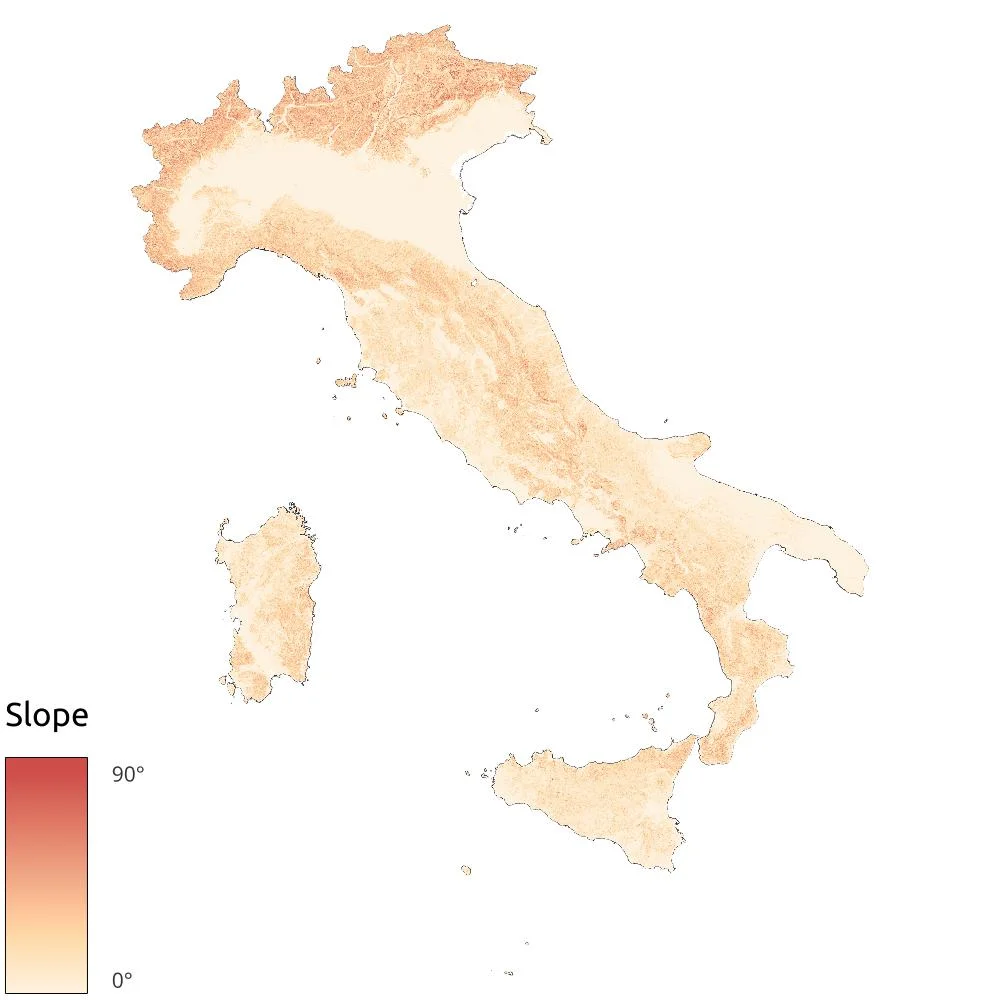
What do we do with the slopes?
We create a binary mask by setting a filter on the raster calculator to extract all pixels that have slope values less than 5°. I used this value because it is the one that best approximates the removal of the triangles above.
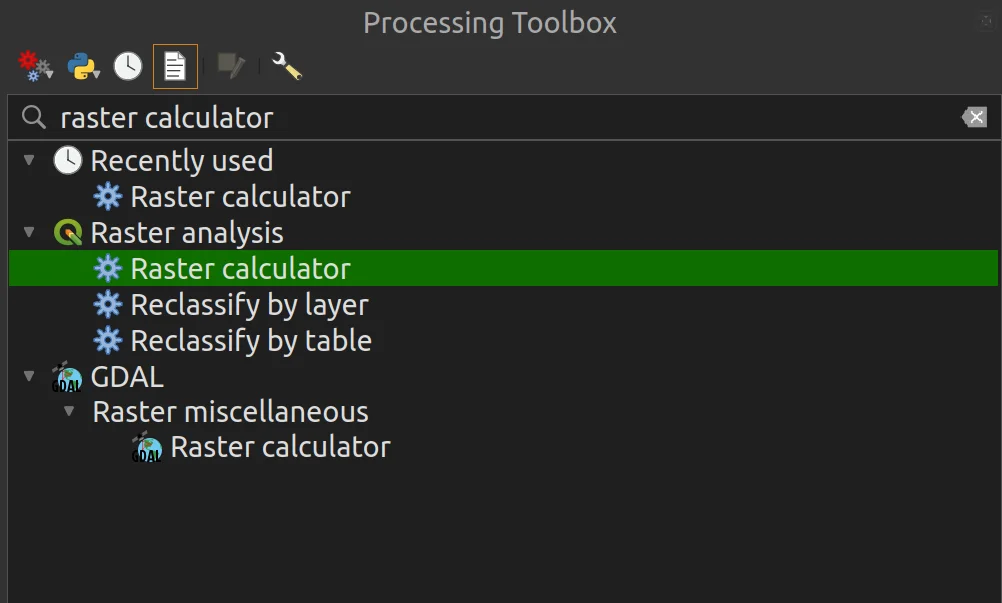
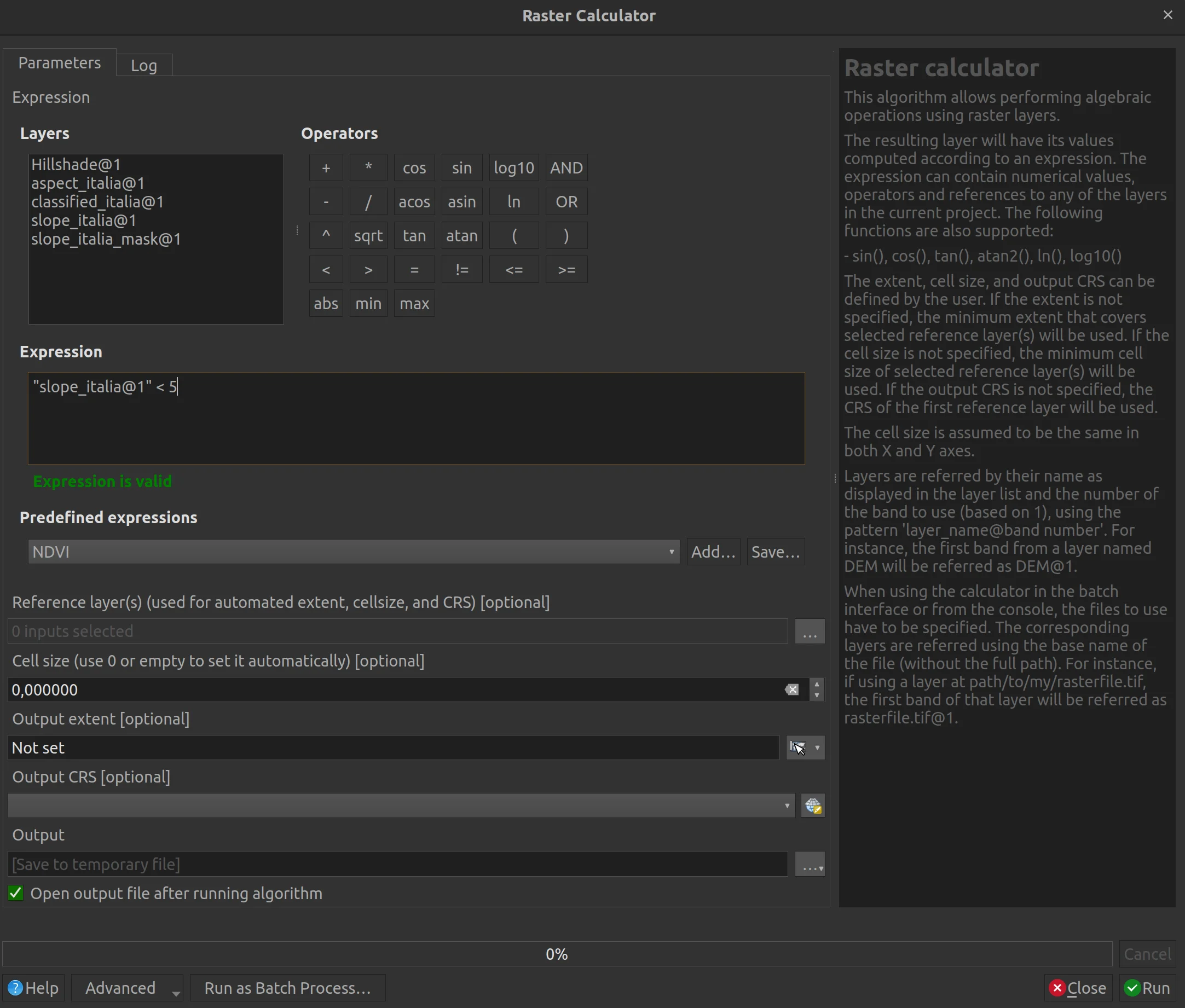
The result is the following raster in which in white we have values equal to 1 and in black those equal to 0. It is a binary raster, the value of the single pixel o is 1 or is 0; in this case the values we are looking for correspond to 1.

Since the map background was white and would be confused with values of 1, I set it to blue.
And now? What do we do with this new data?
Let's see it together!
4. Territory classification
We are at the last step of this tutorial, the one that will take us to answer the initial question. In which direction does Italy look, North, East, South, West or none? Once again we will use the raster calculator!
But first we have to think about the compass rose.
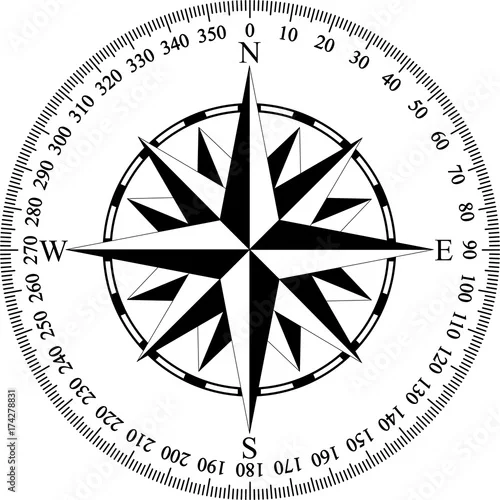
The North is between 0° - 45° and 315° - 360°, the East is between 45° - 135°, the South between 135° - 225° and the West is between 225° - 315°. These ranges will be the target of our analysis.
In the raster calculator I will go to insert the following formula:
(("aspect_italia@1" * ("slope_italia_mask@1"=0)) = 0)

+ (

(("aspect_italia@1" >= 0 AND "aspect_italia@1" < 45) * 2) + (("aspect_italia@1" >= 315) * 2)

) * ("slope_italia_mask@1"= 0)

+ (

((("aspect_italia@1" >= 45  AND "aspect_italia@1"< 135) * 3)

) * ("slope_italia_mask@1"= 0)

+ (

(("aspect_italia@1" >= 135  AND "aspect_italia@1"< 225) * 4)

) * ("slope_italia_mask@1"= 0)

+ (

((("aspect_italia@1" >= 225  AND "aspect_italia@1"< 315) * 5)

) * ("slope_italia_mask@1"= 0)
We finally understood what the binary mask is for!
The beast coming out of the process is what follows.
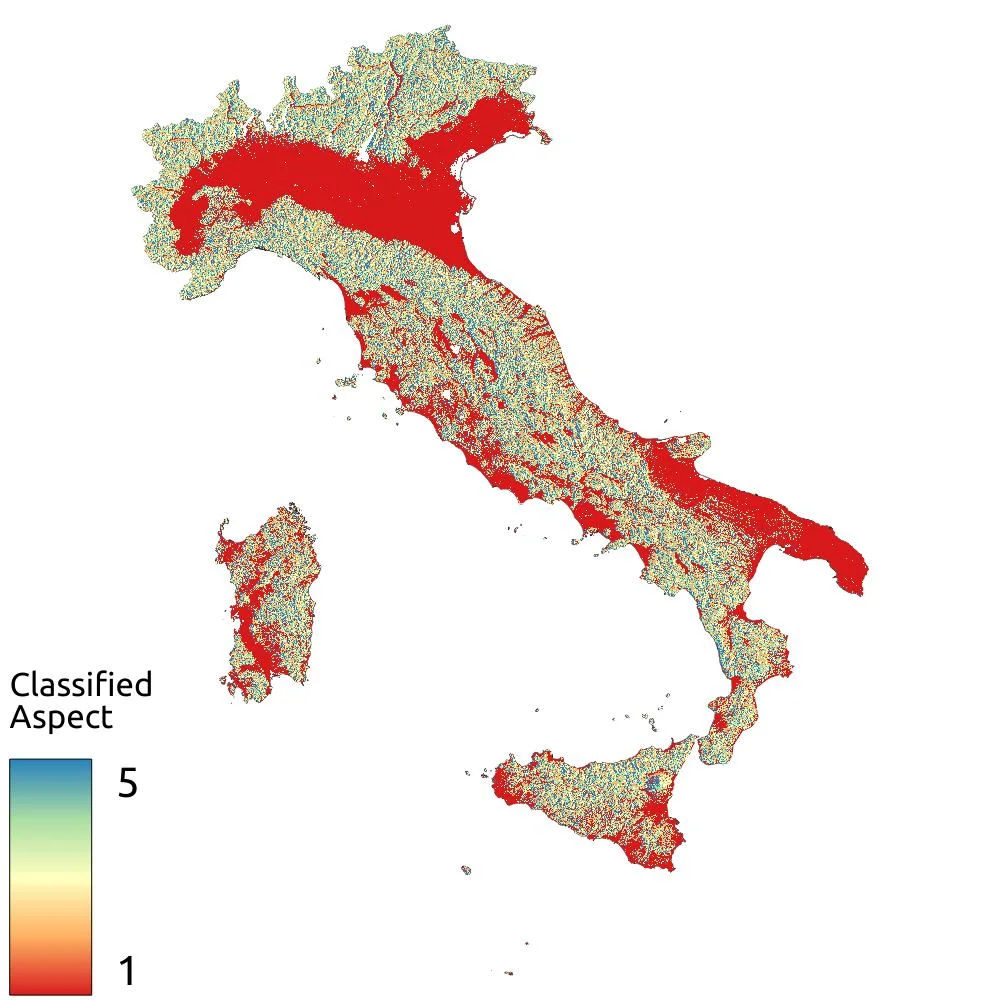
With the previous formula I set the classification ranges like this:
- West -> 5
- South -> 4
- East -> 3
- North -> 2
- No exposure -> 1
That diffuse red that you see in the previous image corresponds to the raster values equal to 1 which, in this case, highlight the flat areas, those which therefore have no exposure.
By eye we can already say that the direction in which Italy is looking is...none! But let's delve deeper into the matter.
Using a particular geoalgorithm the Raster layer unique values report I obtained the count of pixels that fall into each of the identified classes.
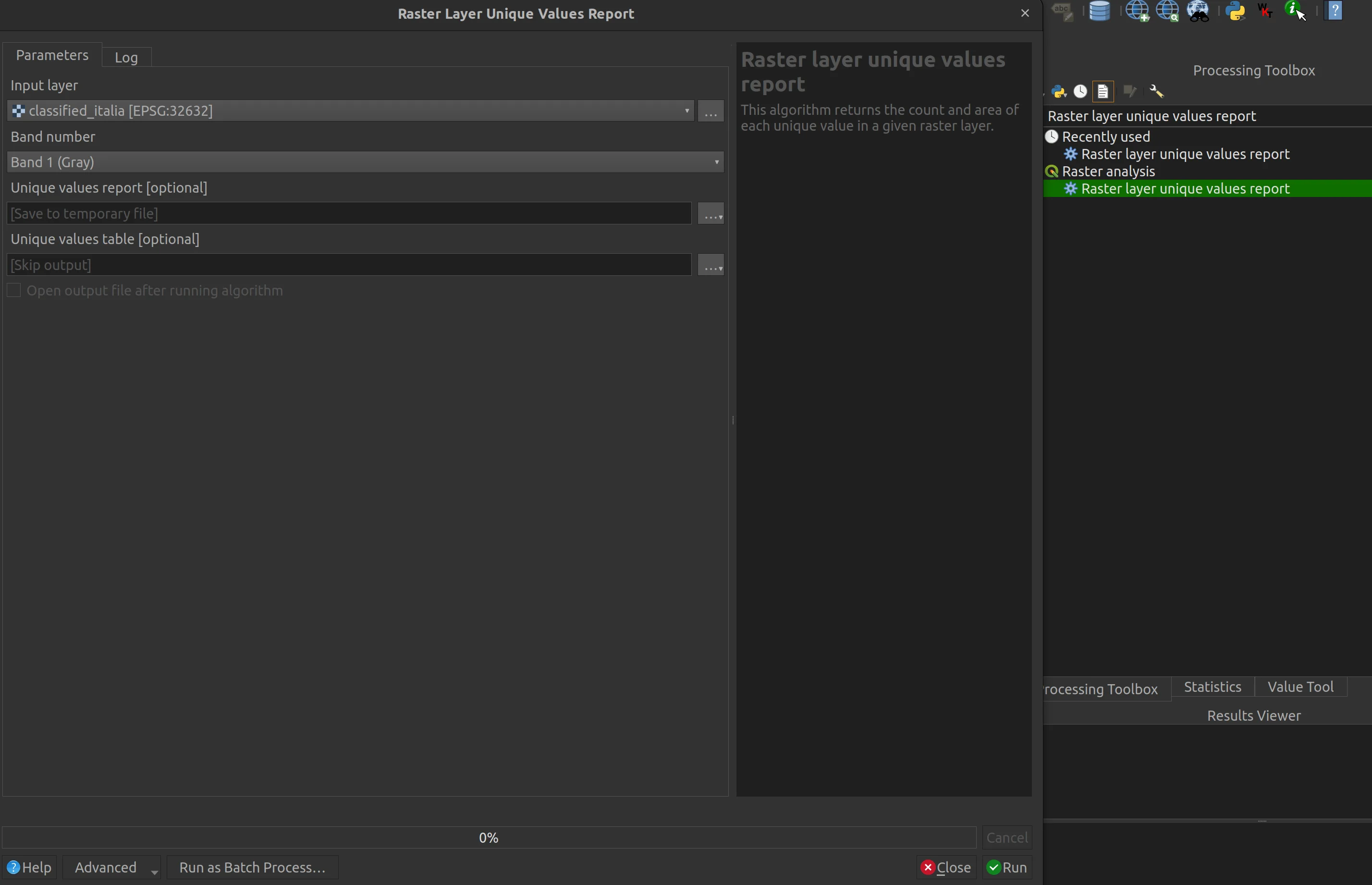
It is a very interesting tool because it in output you get both a .html file and various table file formats, among which I chose .xls to be able to create the following graph.

From the data and the graph we have confirmation of our first impression. 36.49% of our country is plan and therefore it turns out that Italy is actually not looking anywhere. The cardinal directions extracted with the previous classification say that the remaining part of the Italian territory is facing South with 16.19%, East with 16.03%, West with 15.83% and North with 15.47%.