
I had to execute the import again after a lot of time but, unfortunately, I forgot what I did months ago. Thanks to a deepest research on internet I remebered the steps and with this article I'll show you one possible solution.
QGIS don't allow the direct import of a DWG because this file format is an Autodesk's property. How we can solve the problem? The answer is use the DXF; an open file format! Someone can say "Ok, but I have a DWG, not a DXF!". No problem! If you don't want to buy a lite AutoCAD version, you can use a free Draftsight's version. Draftsight is a free CAD software that use a lot of features present in AutoCAD, one of them is the file format conversion.
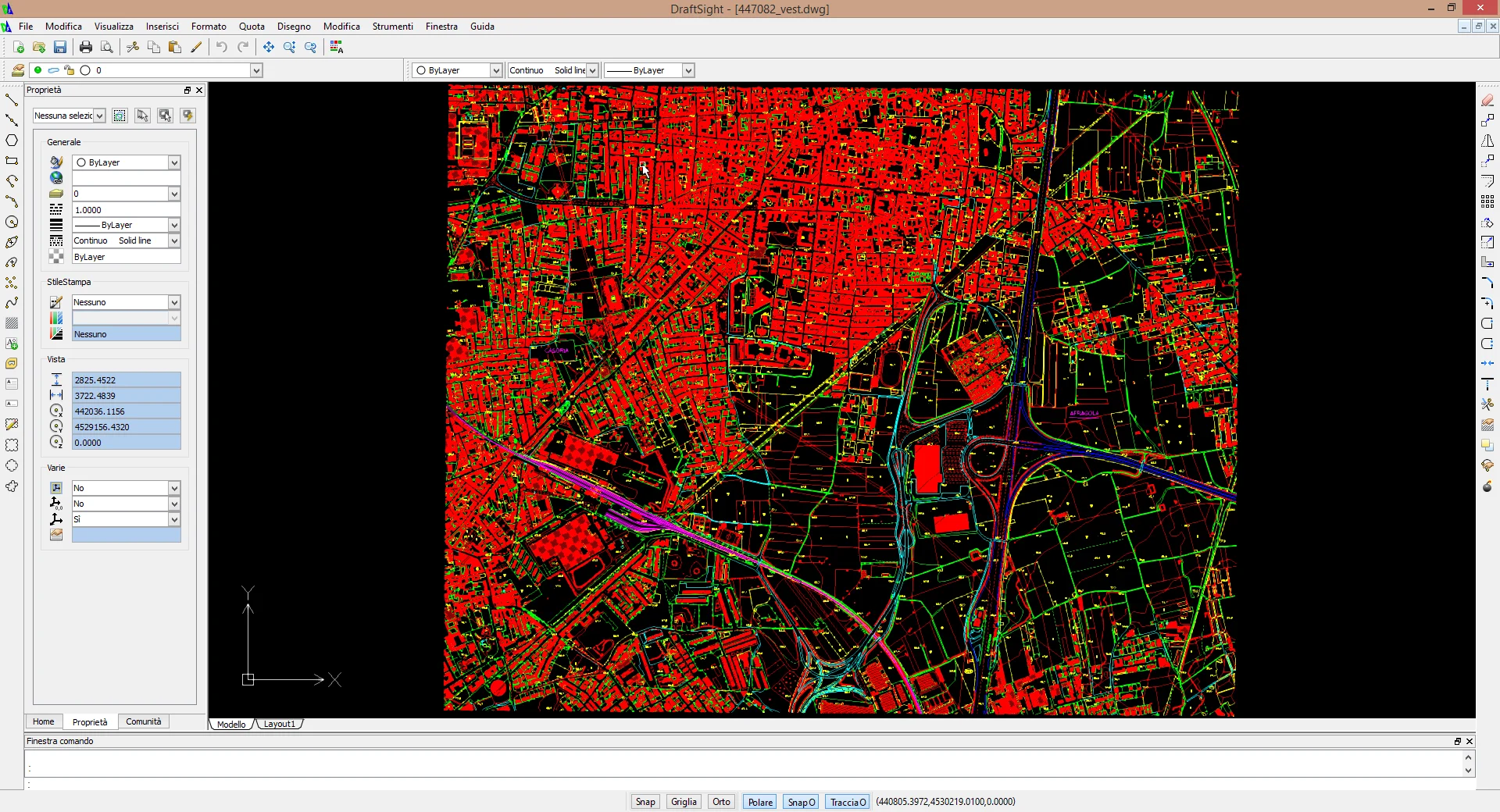
After the software installation we can open our DWG.
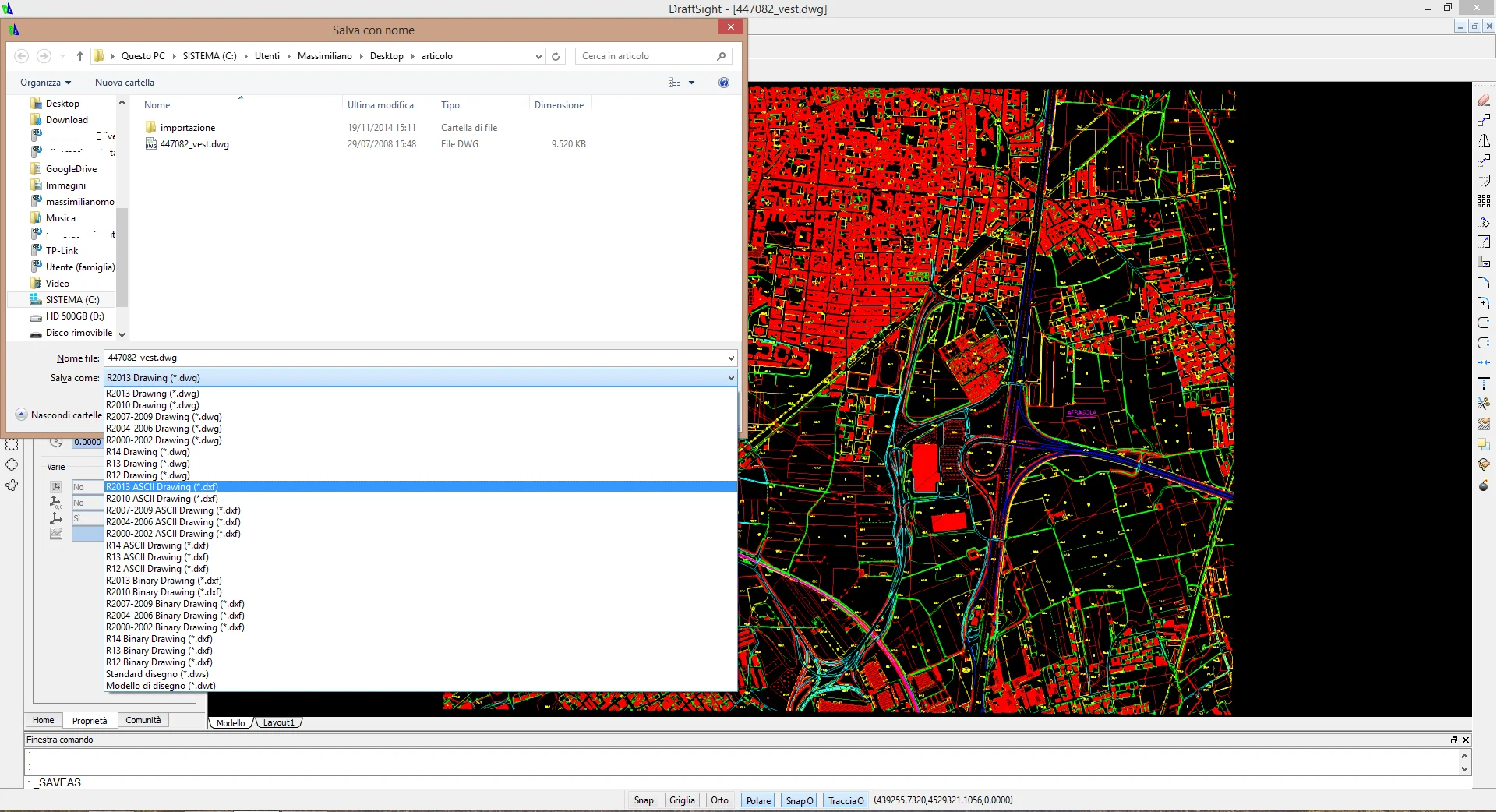
Now, go to "File/Save as" or use CTRL+MAIUSC+S, or write on the command text area _SAVEAS and the window below will be opened. From the menu you can choose the output file format, DXF for our purposes.
Then we can run QGIS